
Overview
The ‘overview’ page provides a fast and convenient way to see important information about your Blackmagic Cloud account.
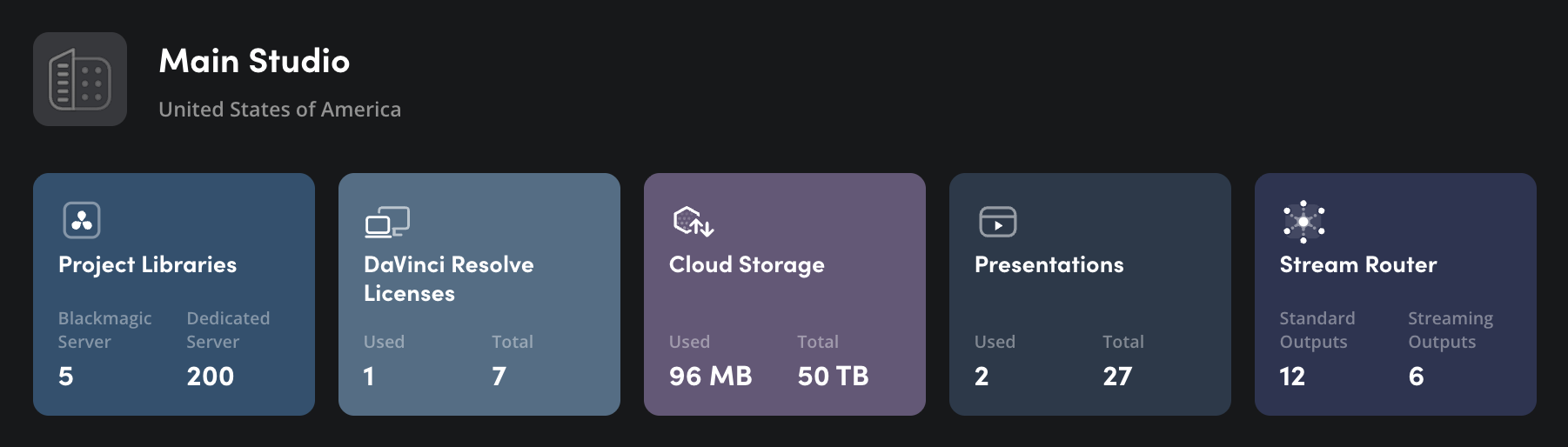
Each Blackmagic Cloud service is represented by a tile that includes information on service availability and current use. Clicking on a tile will take you to the service’s options in the ‘manage service’ menu. More information is provided in the ‘managing services’ section.
Underneath the tiles, you will see a summary of your current monthly billing amount and your next invoice date.

The ‘remove all services’ button lets you remove all the services from your current Blackmagic Cloud account profile. For more information, refer to the ‘removing services’ section.

