
Deleting a Presentation
Deleting a presentation will delete any uploaded clips, markers and chats. It’s worth noting that deleting a presentation is permanent and cannot be undone.
To delete a presentation:
-
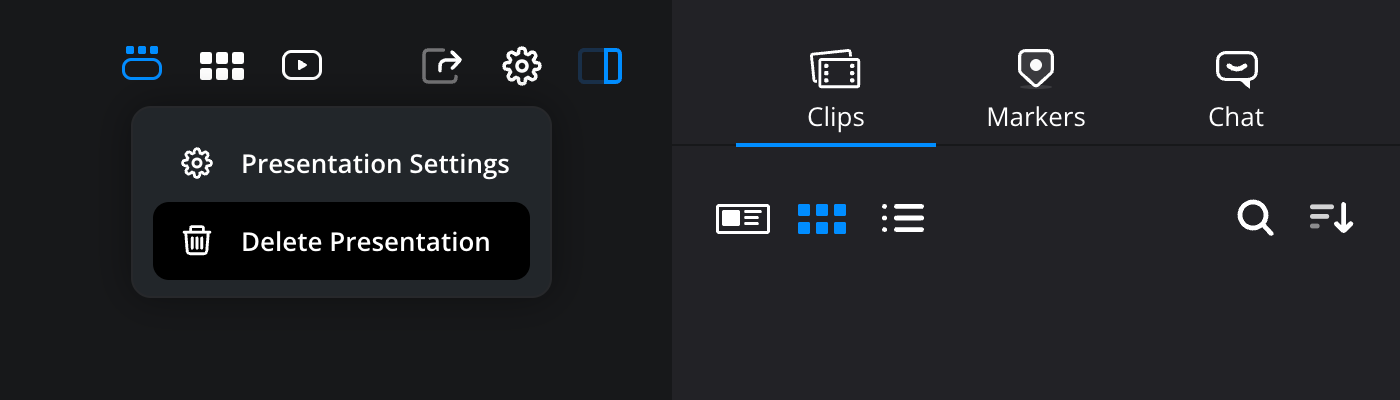
Click the settings wheel above the viewer and select ‘delete presentation’.
-
A confirmation box will be displayed. To continue and delete the presentation, click the ‘delete’ button.