Settings
The ‘settings’ page contains all the account options for your Blackmagic Cloud profile. These include billing and payments, adding and removing services, plus account settings and security options. To open the ‘settings’ page, click the settings wheel icon in the Blackmagic Cloud dashboard. All the main menu options are displayed in the left hand panel.
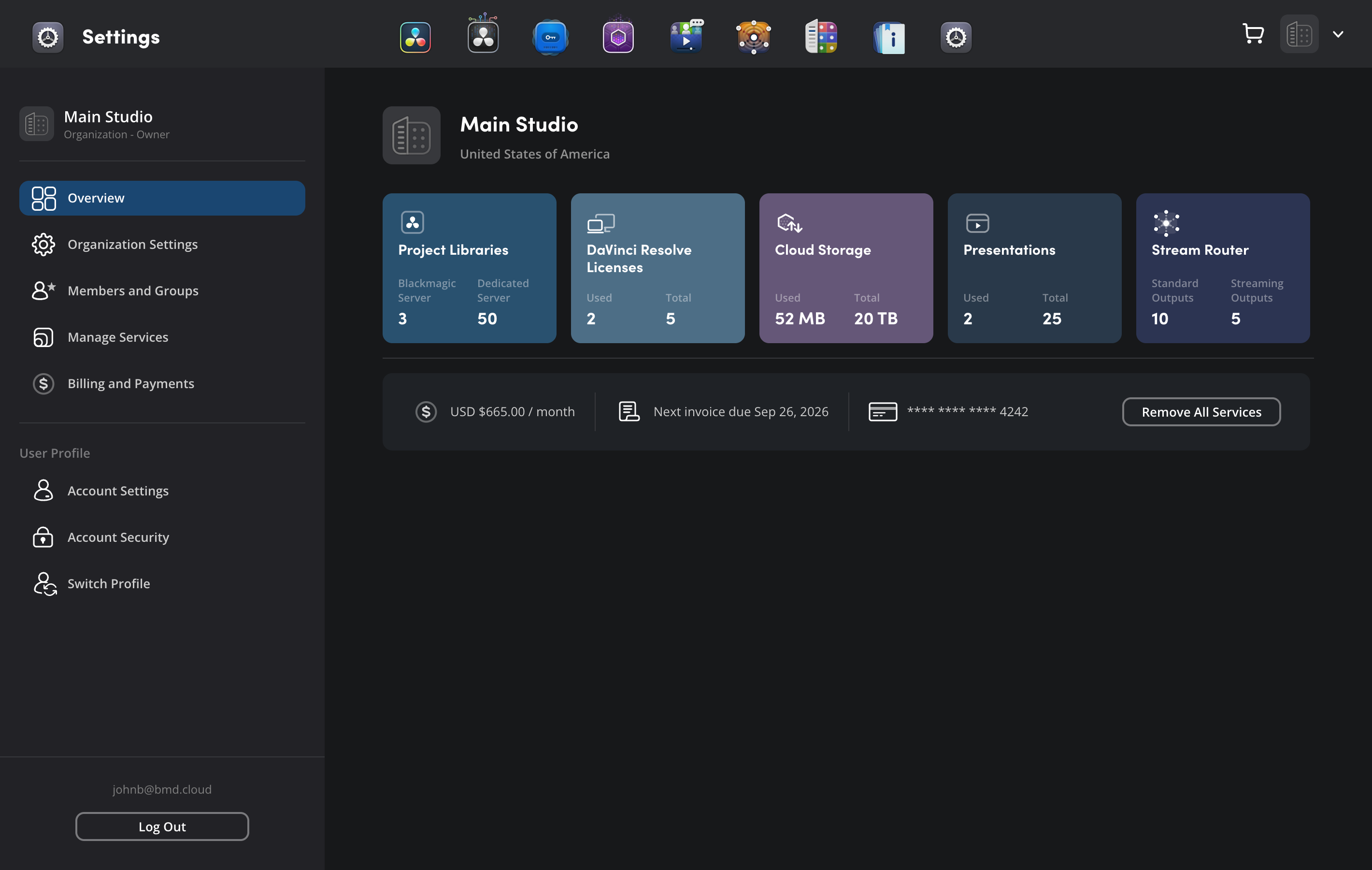
Before you add services or make changes to any billing and payment information, it’s a good idea to make sure you are logged in to the correct account profile or organization. Blackmagic Cloud services and payments are discrete and remain linked to a specific profile or organization for billing purposes.

