Creating a Presentation
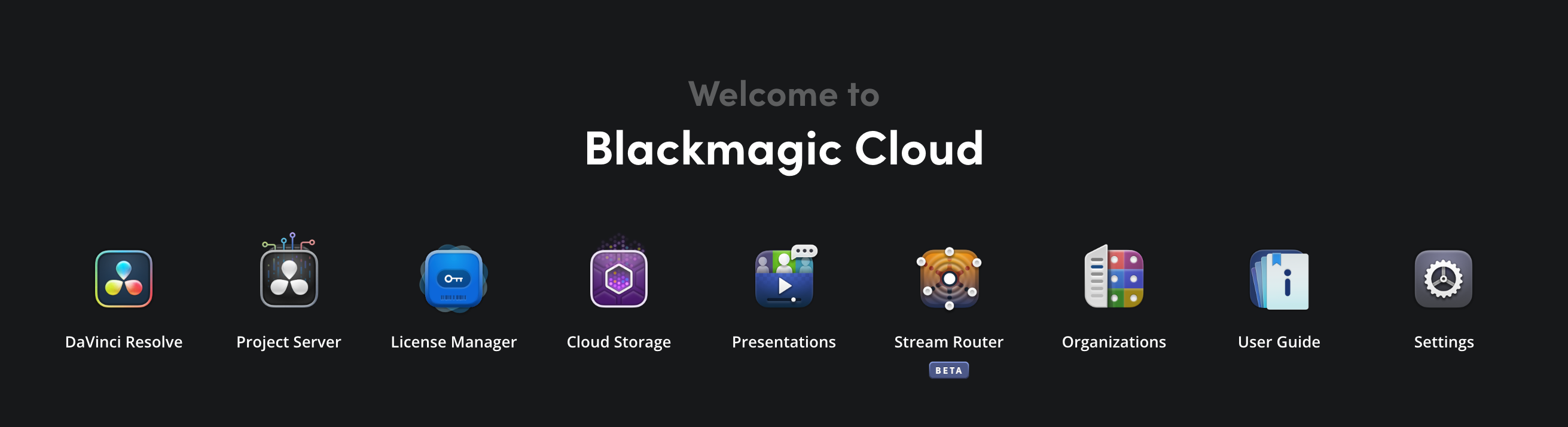
To create a presentation, begin by clicking the ‘presentations’ icon in the Blackmagic Cloud dashboard.
To create a presentation:
-
If you are creating your first presentation, the ‘add presentation’ window will open automatically when you open the ‘presentations’ page. If you have created a presentation before, or have had a presentation shared with you, click the ‘add presentations’ button in the left hand panel to open the ‘add presentation’ window.

-
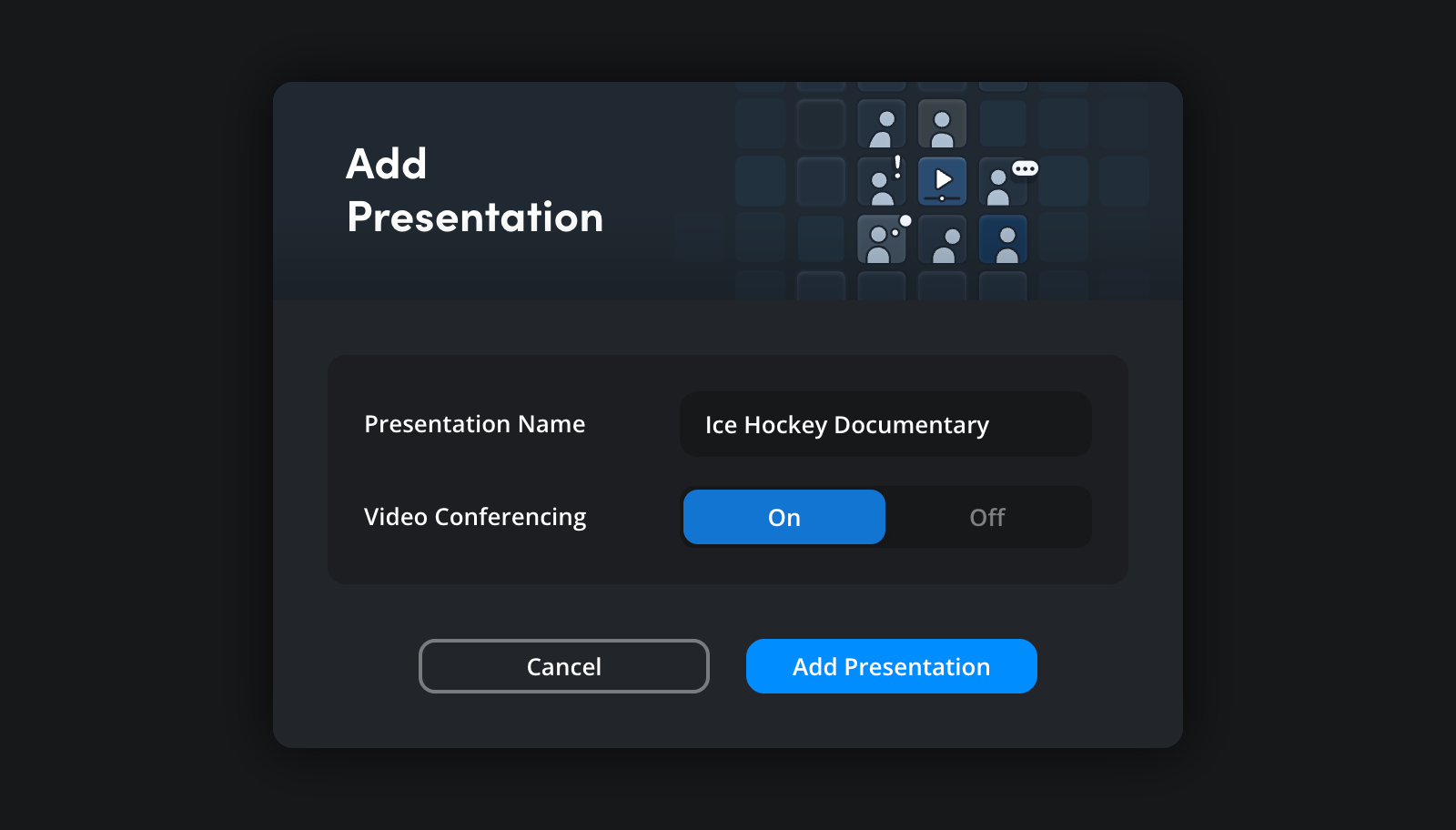
In the ‘add presentation’ window, type a suitable name for your presentation and choose if you want video conferencing on or off. Switching this option on enables the video conferencing controls and allows presentation viewers to see and talk to each other via their computer’s webcam. You can change this setting once a presentation has been created. For more information, refer to the ‘presentation settings’ section.
-
Click the ‘add presentation’ button. In the ‘presentation’ page your new presentation will be listed in the left hand panel under the ‘my presentations’ heading.