Cart and Checkout
The ‘cart’ in the ‘settings’ page stores any additional services as you add them. Before a service is applied to your account, you can review and edit your cart.
To edit and review your cart:
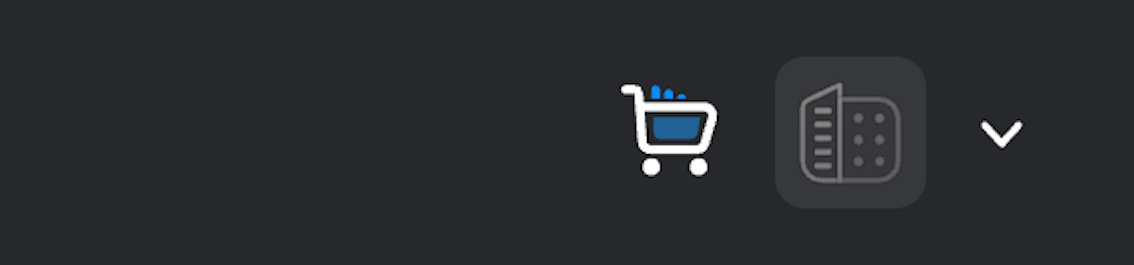
- Open the cart by clicking the icon in the top right corner of the ‘settings’ page.
- You can choose to remove services from your cart before they are applied to your account by clicking the ‘x’ icon next to the service you want to remove.
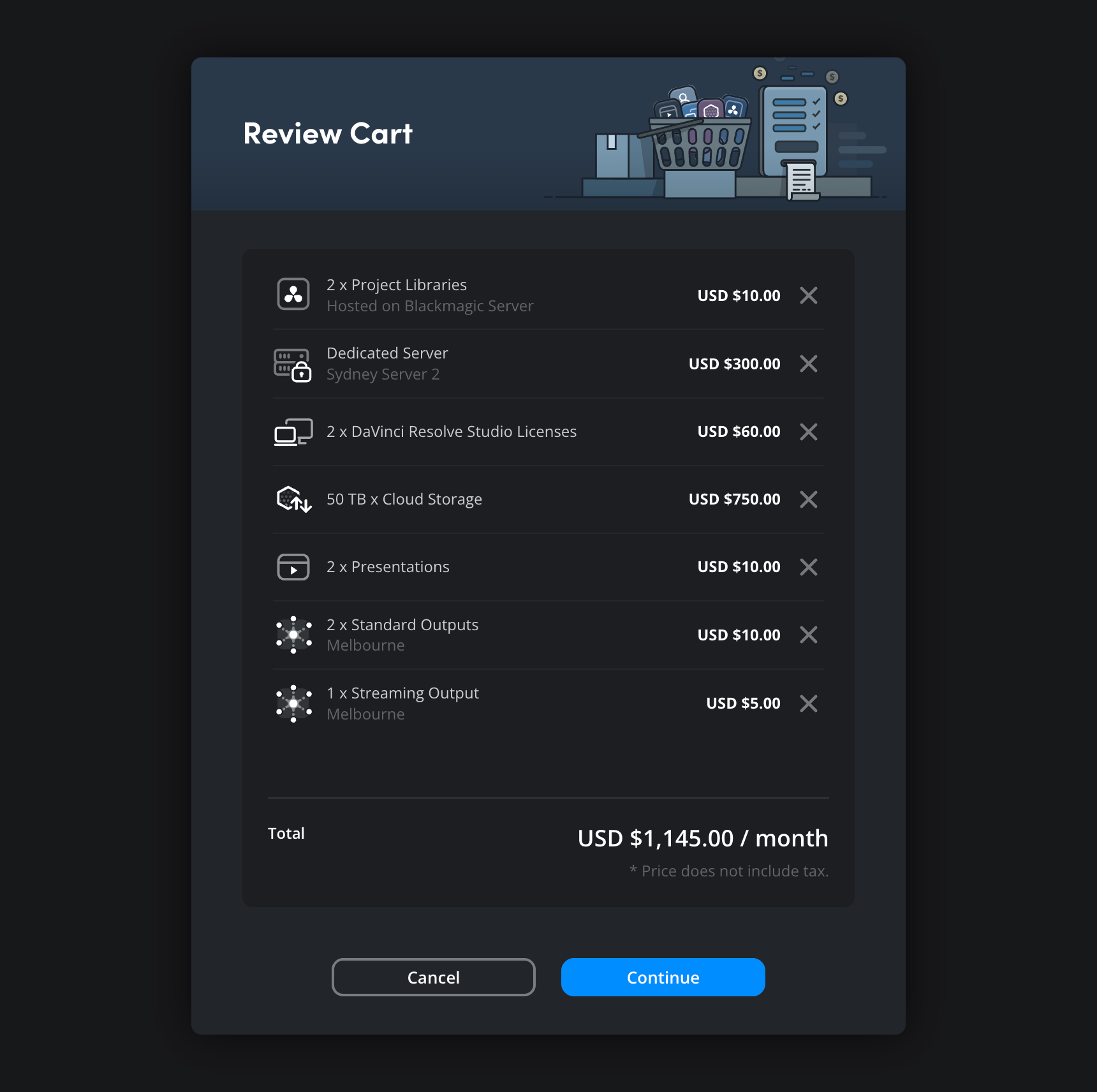
- Click ‘continue’.
- If you have already added a payment card to your account profile, you will be prompted to select a payment method. Click the ‘pay now’ button.
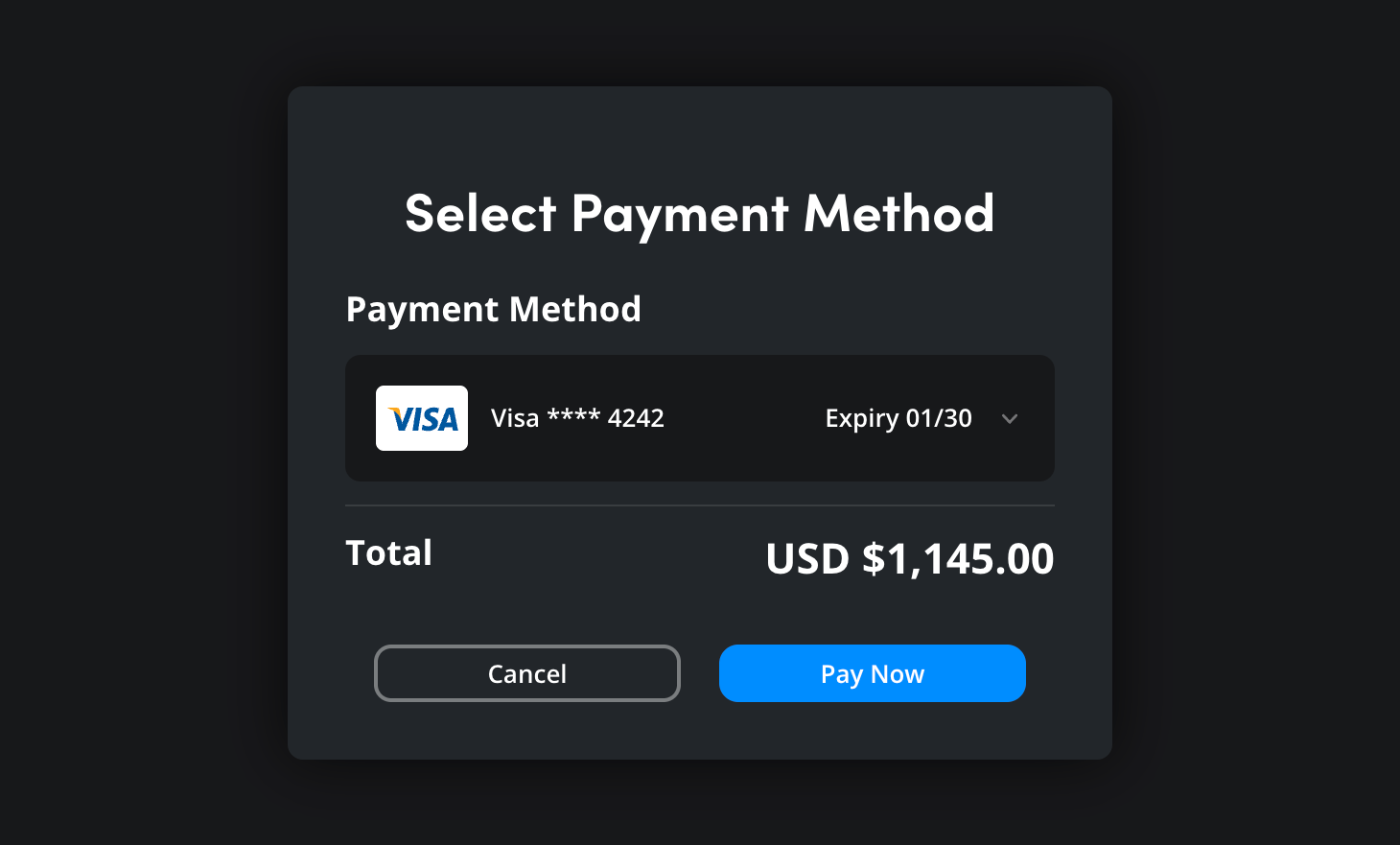 If you have yet to add a payment method to your profile, you will be prompted to add one. You can read more about adding payment methods in the ‘payment method’ section.
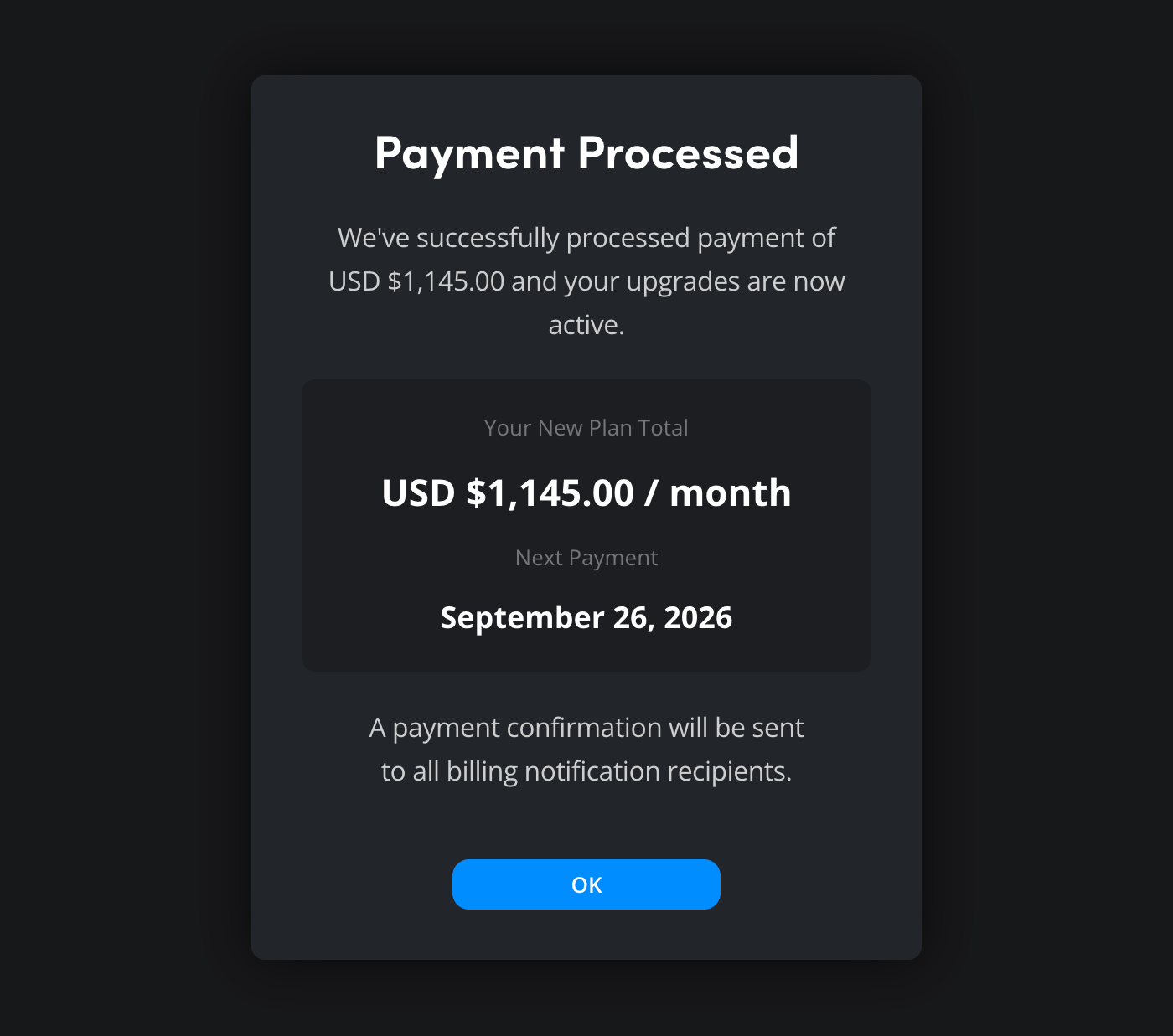
 - A payment confirmation window will open showing your monthly total and the next payment date. Click ‘ok’. You can now start using any added services.