Viewer Options
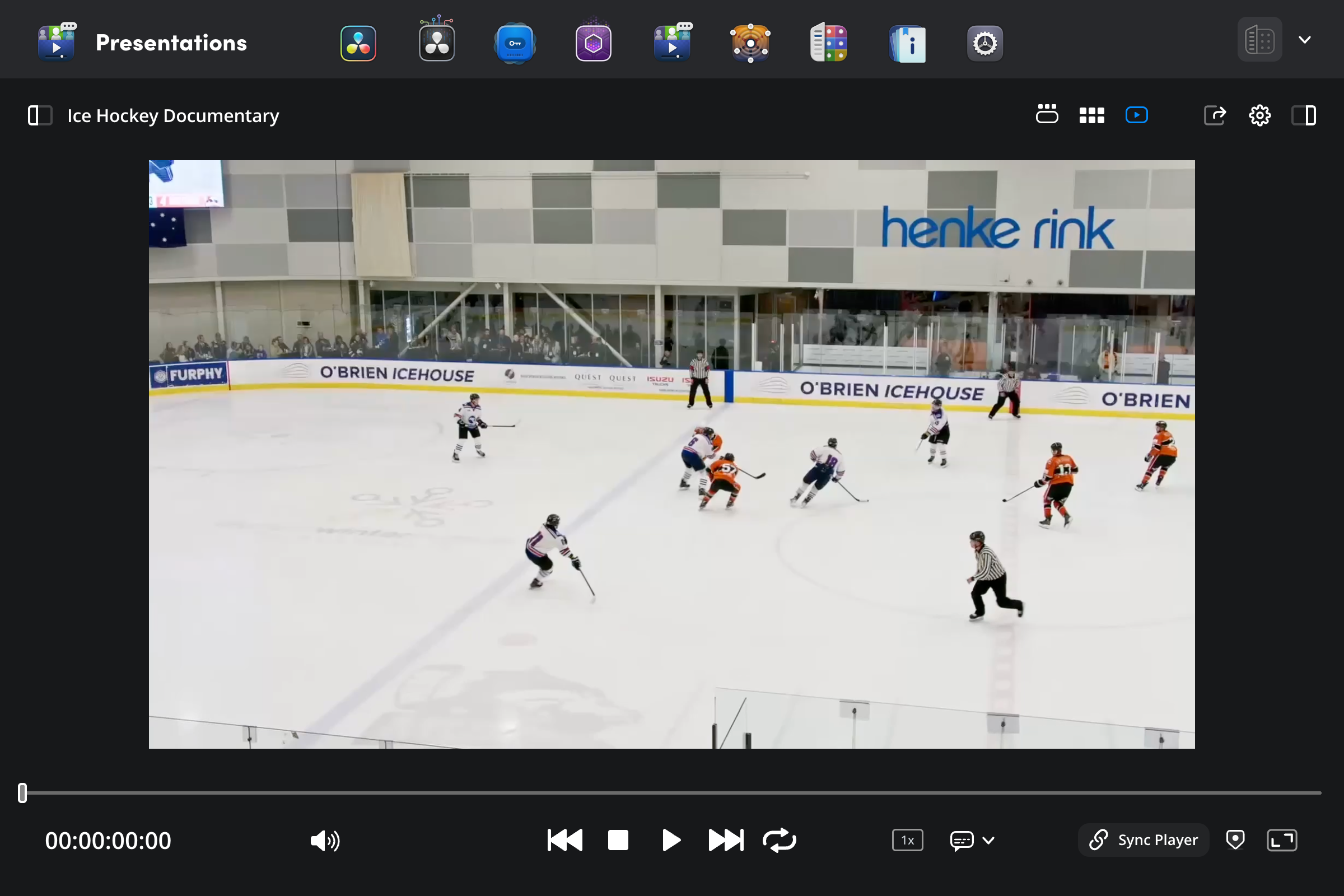
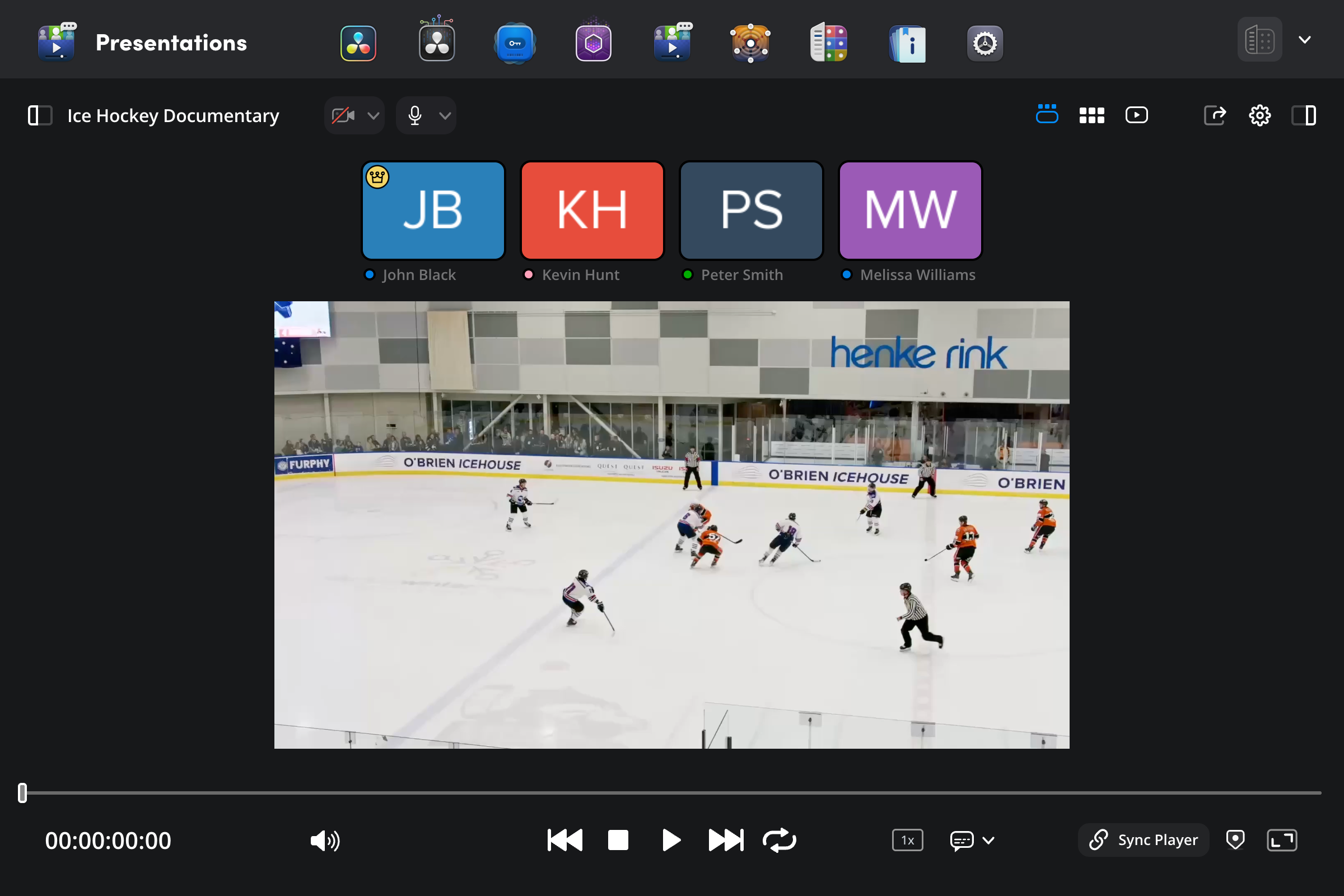
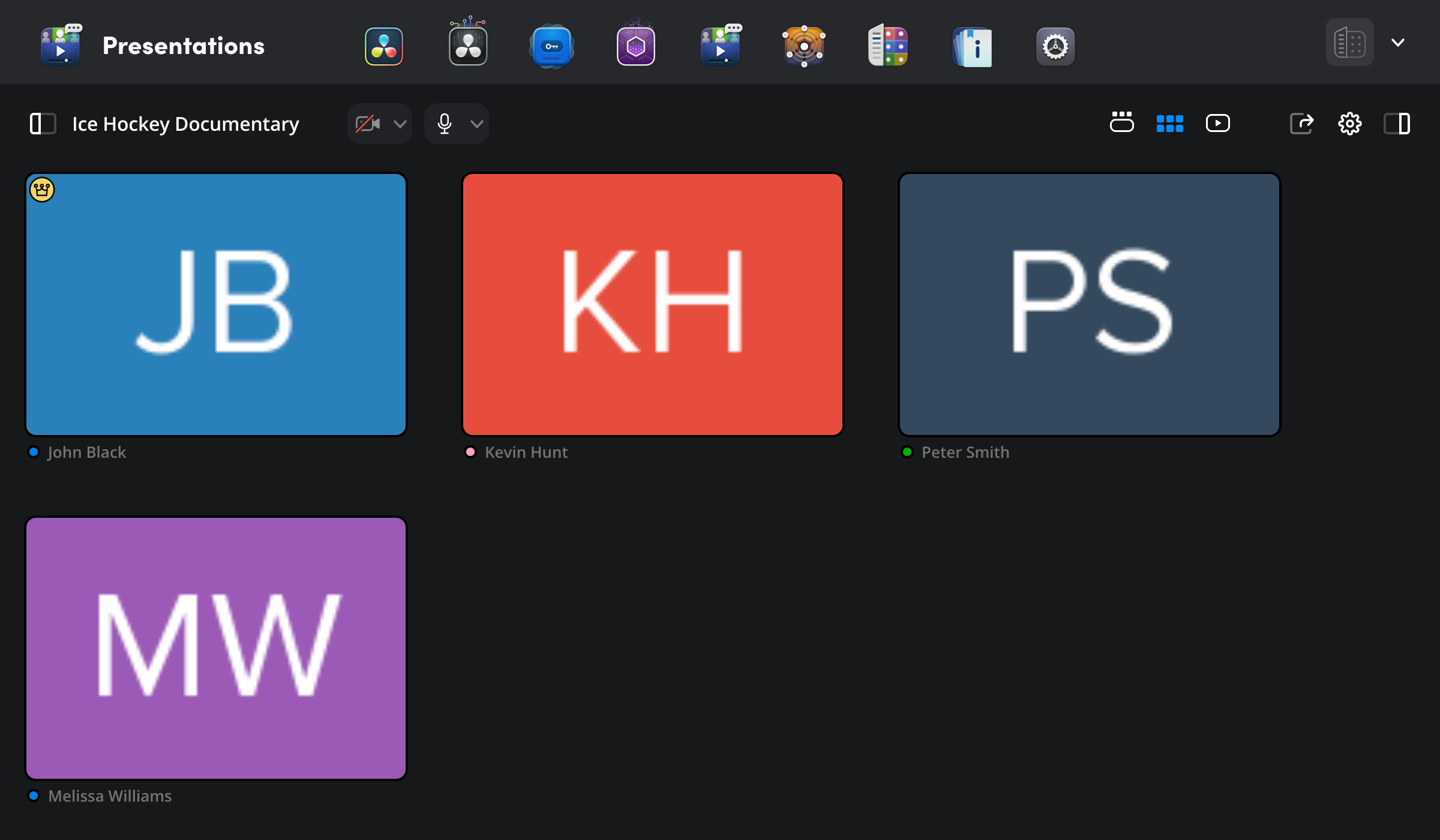
The ‘view’ buttons at the top of the viewer let you switch between three different views.
Presentation view: This option is good for watching a presentation when video conferencing is enabled. Each user’s live thumbnail is displayed in a strip at the top of the screen.
Speaker view: This view can be useful for video conferencing before or after viewing a clip. Each user’s live video is displayed in the main viewer area, but the video viewer is hidden.
Player view: This view displays a slightly larger video player and doesn’t display any video conferencing options.