
Using Chat
The ‘chat’ tab is a simple text based chat tool that lets you communicate with other users in a presentation. Chats are not linked to any particular clip, but to the presentation in general. Any comments added to the chat will be visible to all users in the presentation.
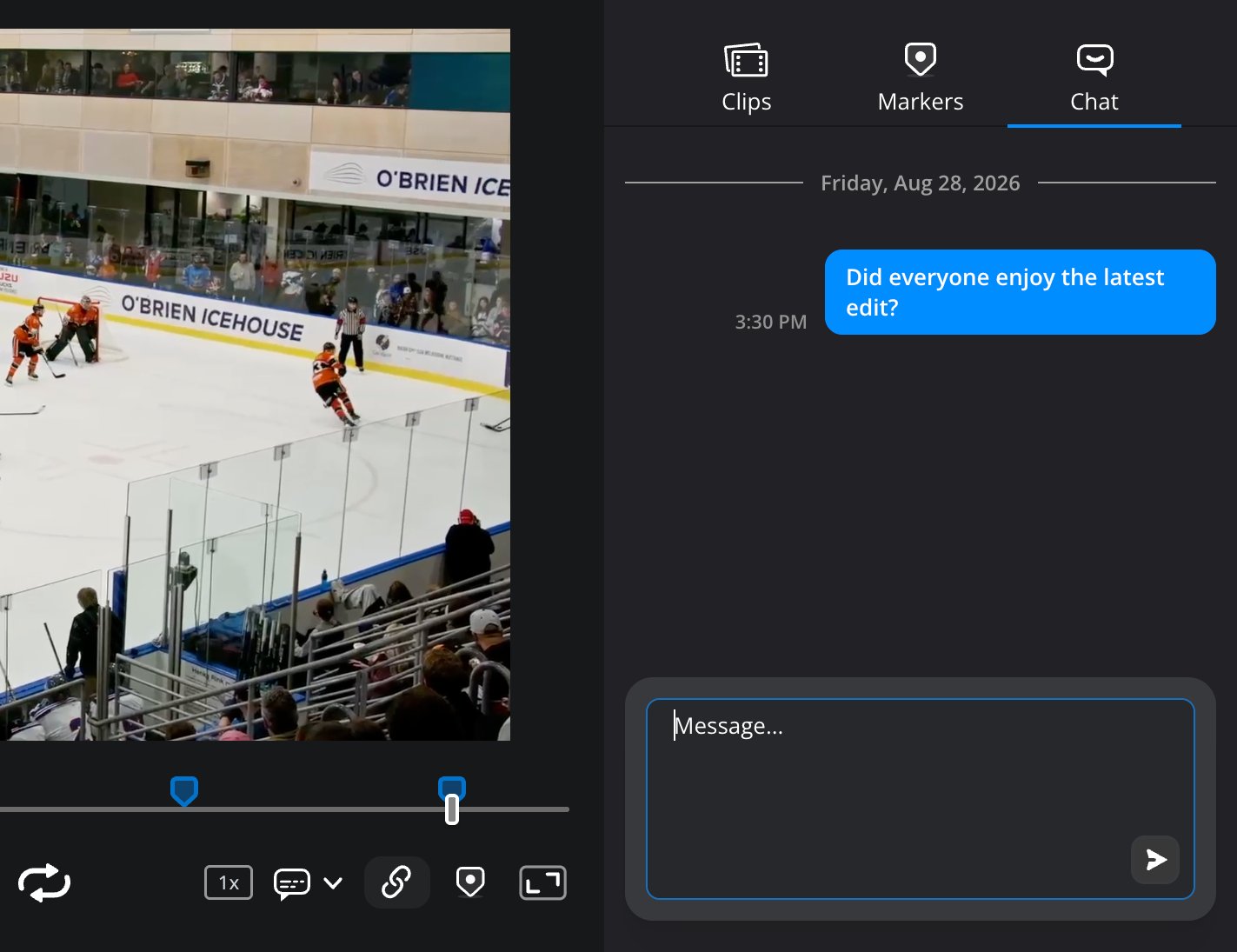
To add a chat comment:
-
Click the ‘chat’ tab.
-
In the ‘message’ box at the bottom of the tab, type a message and click the ‘send’ icon.
-
Your message will be displayed in the main chat window.

